
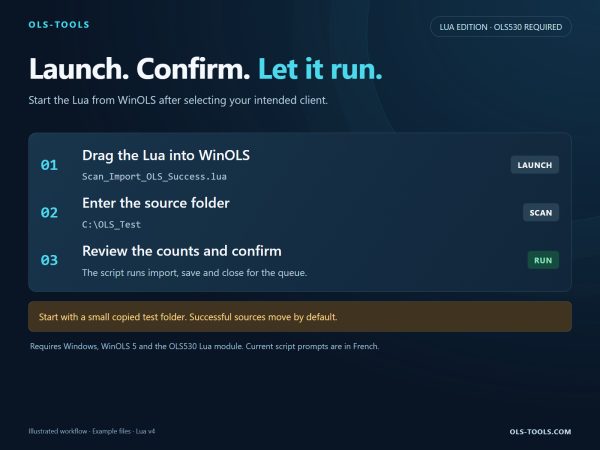
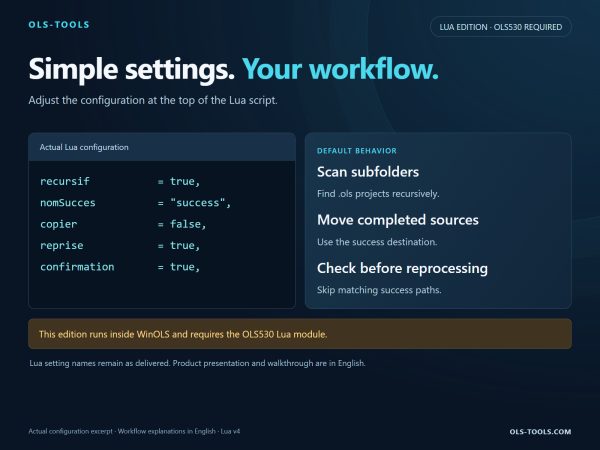







This product is supplied as a Lua (.lua) file. The WinOLS Lua plugin is required to run it.
Import a whole folder of .ols files in one command
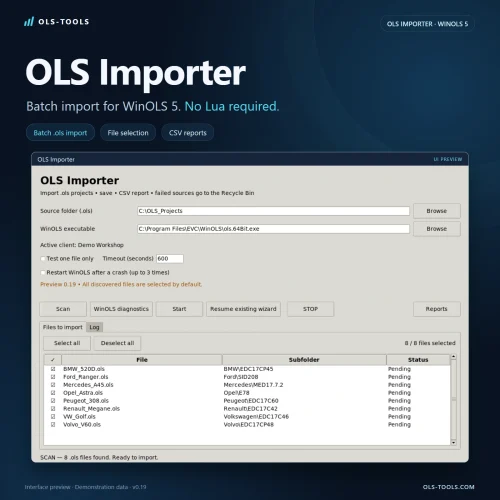
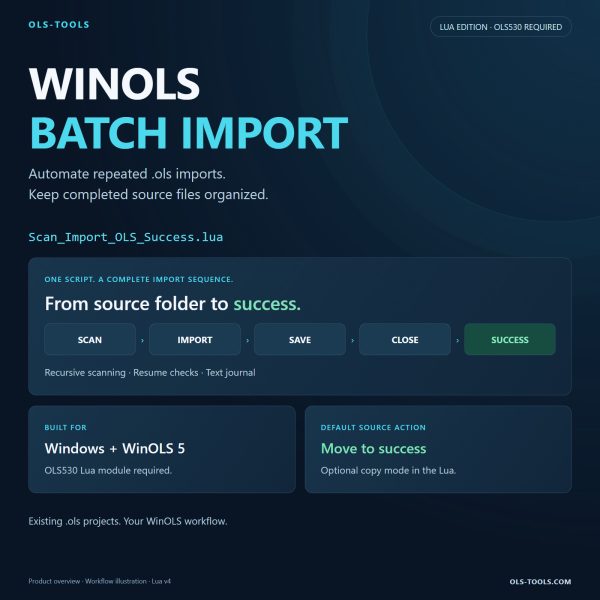
Importing DAMOS into WinOLS one file at a time is dead time. This tool takes your folder of .ols files and handles the whole batch in a single run — no clicking through the same dialogs fifty times.
What it does, in order
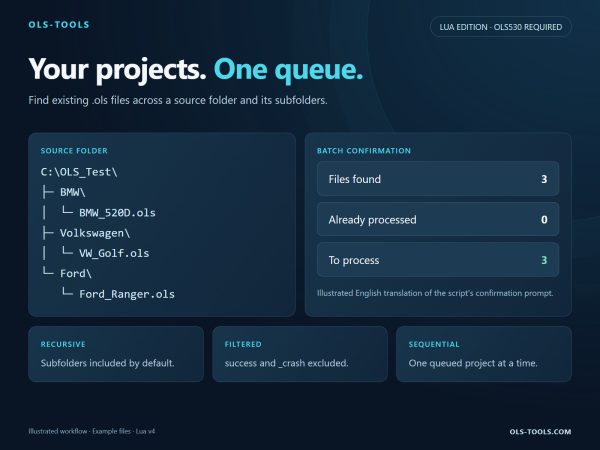
- Scan — every .ols file in the folder is listed and checked before anything is touched
- Analyse — each file is read and validated, so a broken or unsupported file is flagged instead of breaking the run
- Import — the files are imported one after the other, automatically
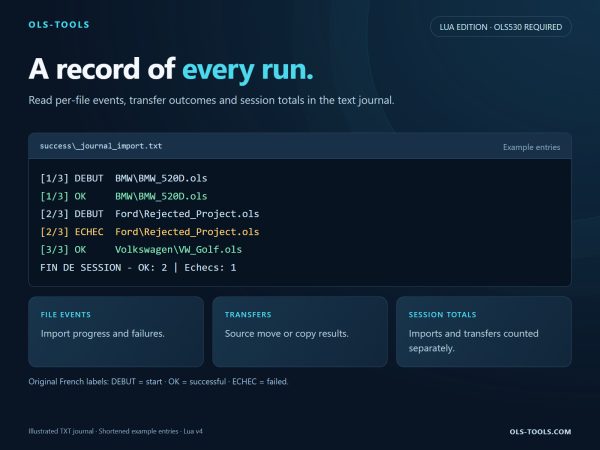
- Report — you get a clear report at the end: what went through, what was skipped, and why
The SUCCESS folder
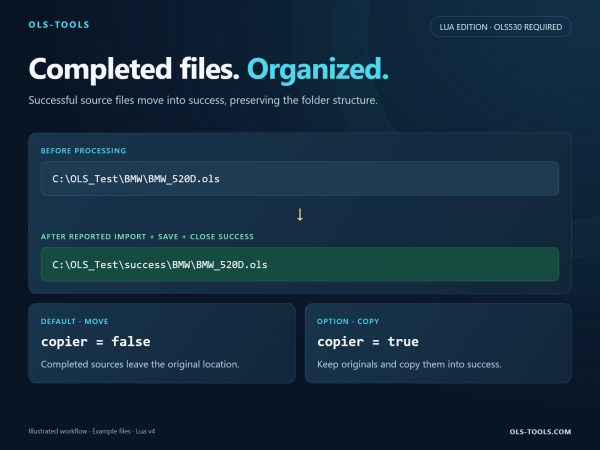
Every file that imported correctly is moved into a new SUCCESS folder, created next to your source folder. You see at a glance what is done and what is left: the source folder keeps only what still needs your attention.
No file is deleted, nothing is overwritten. Your originals are moved, not modified.
Why it matters
- A folder of fifty DAMOS files goes from an afternoon of clicking to a single run
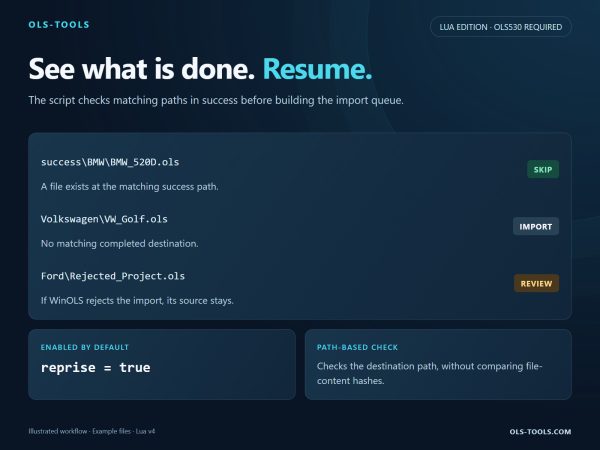
- Nothing gets imported twice: what is done sits in SUCCESS, out of the way
- The report gives you a trace of the batch you can keep or send on
- Runs on your own machine — your files never leave your PC
Requirements
- Windows with WinOLS installed
- The WinOLS Lua plugin is required to run the supplied .lua file
- Your .ols files gathered in one folder
Licence
One-time purchase, €29. Download link sent by email after payment, for use on your own workstation. Updates for the current version included.